Isolate Client — free Minecraft launcher



- 2x FPS Boost
- Add Own Mods
- Multiple Profiles
- Play With Friends
- Modern & Intuitive UI
FPS Boost
Get over 2x your usual framerate with our built-in performance optimizations and hand-picked FPS-boosting mods. Play smoother, react faster.
Free Skins & Capes
Choose from hundreds of free skins and capes directly inside Isolate Client. Customize your look without any extra cost — just pick and play.
Add Own Mods
Missing a specific mod? Add any Fabric mod directly into Isolate Client. Easily manage, toggle, and organize all your mods in one place.
Dominate With Superior Performance
Experience Minecraft like never before. Isolate Client's optimized rendering engine delivers up to 60% more frames per second compared to other popular launchers. Less lag, smoother gameplay, and the competitive edge you need to win.
* Benchmark on Intel i7-12700K, RTX 3070, 32GB RAM
Minecraft 26.1 Benchmark
Average FPS comparison
Isolate Client
1650 FPS
SKLauncher
1180 FPS
TLauncher
1020 FPS
Take A Look Inside
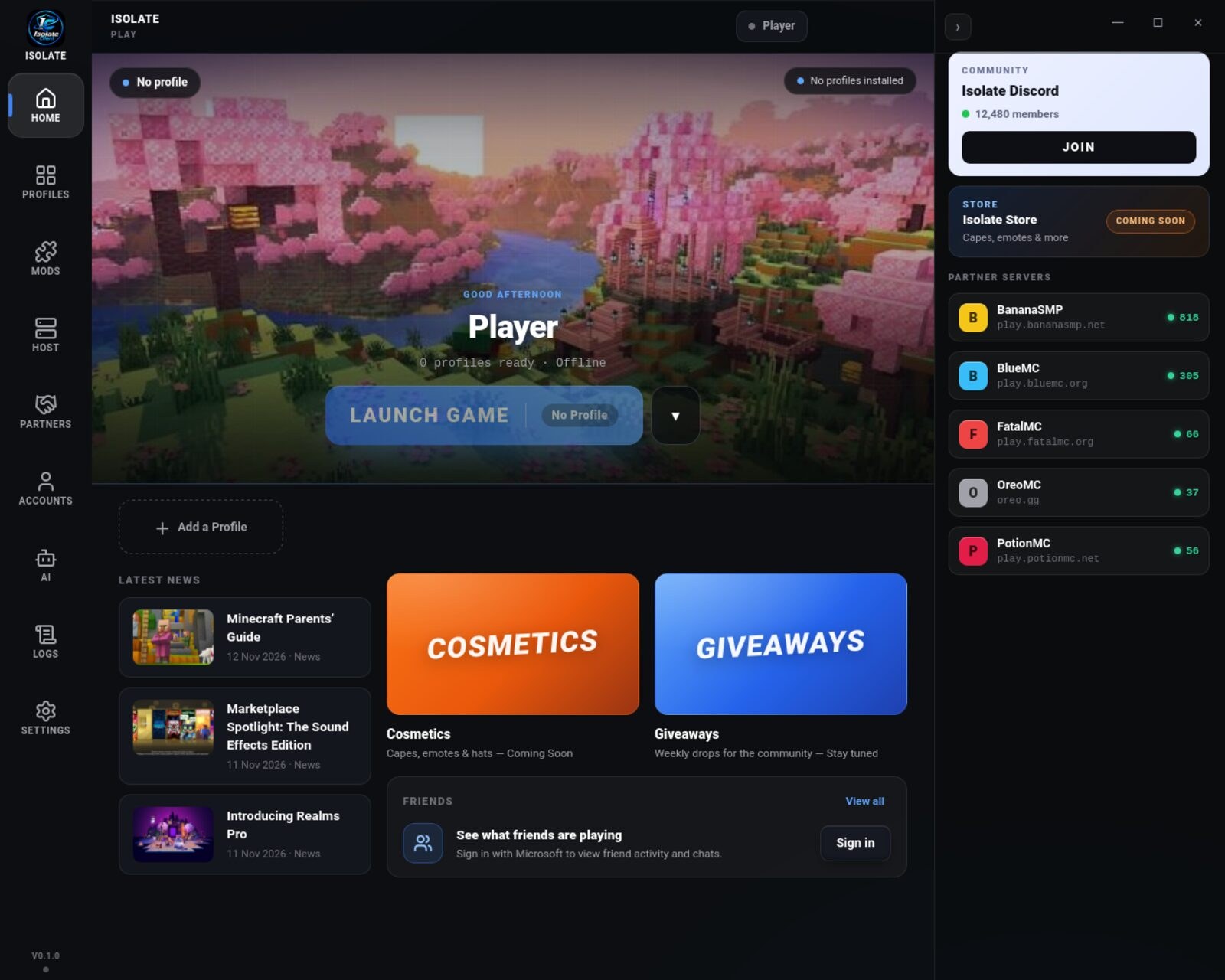
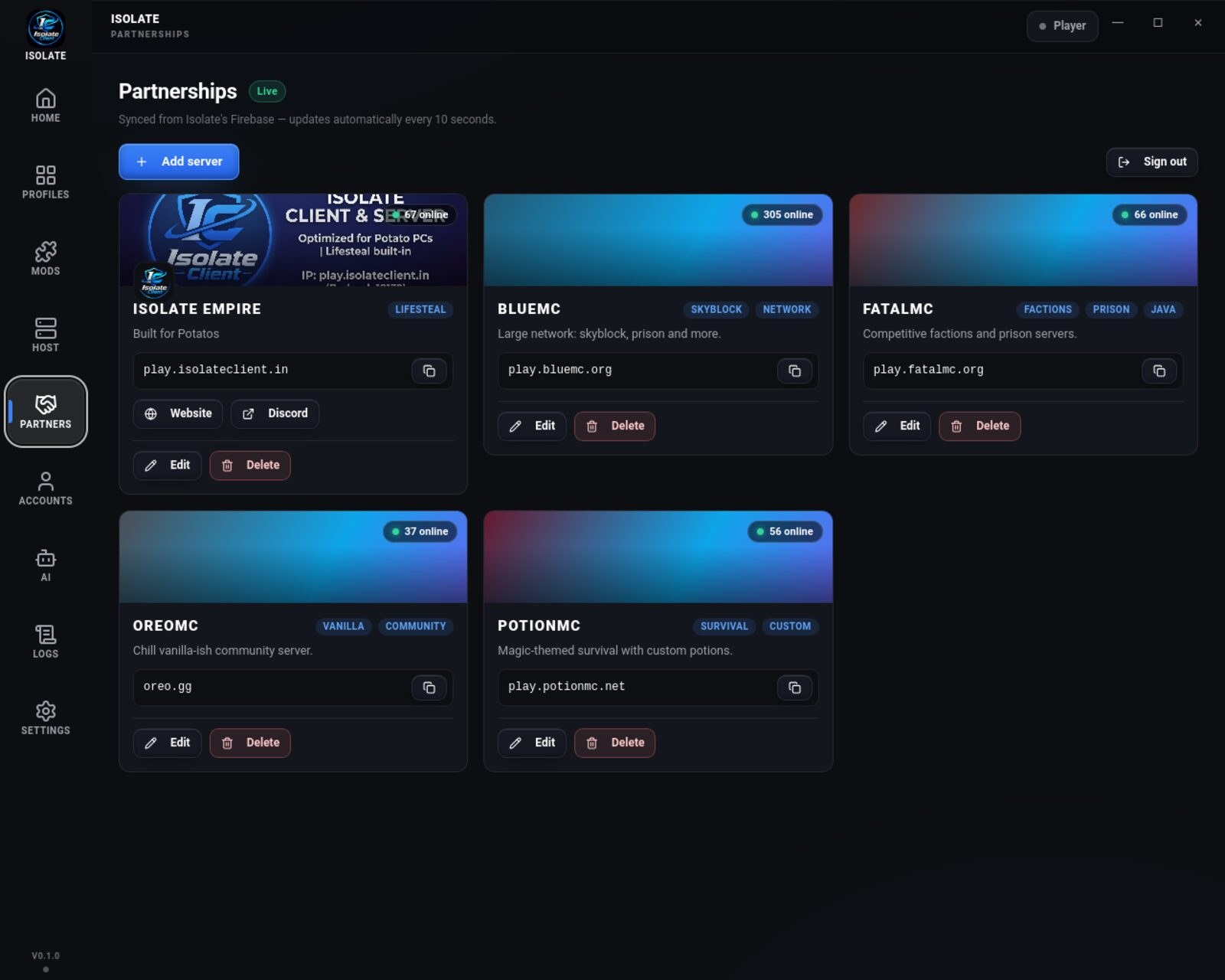
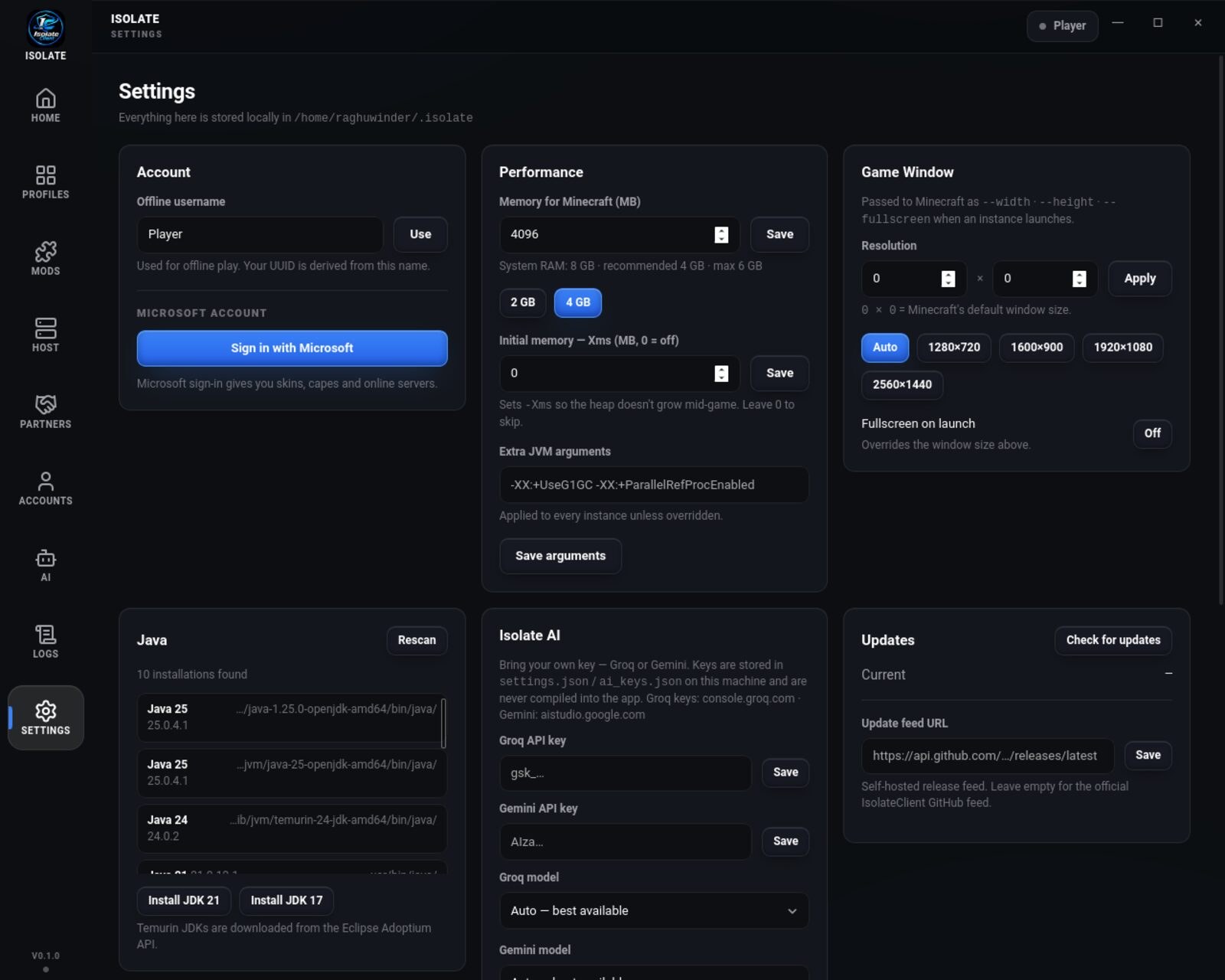
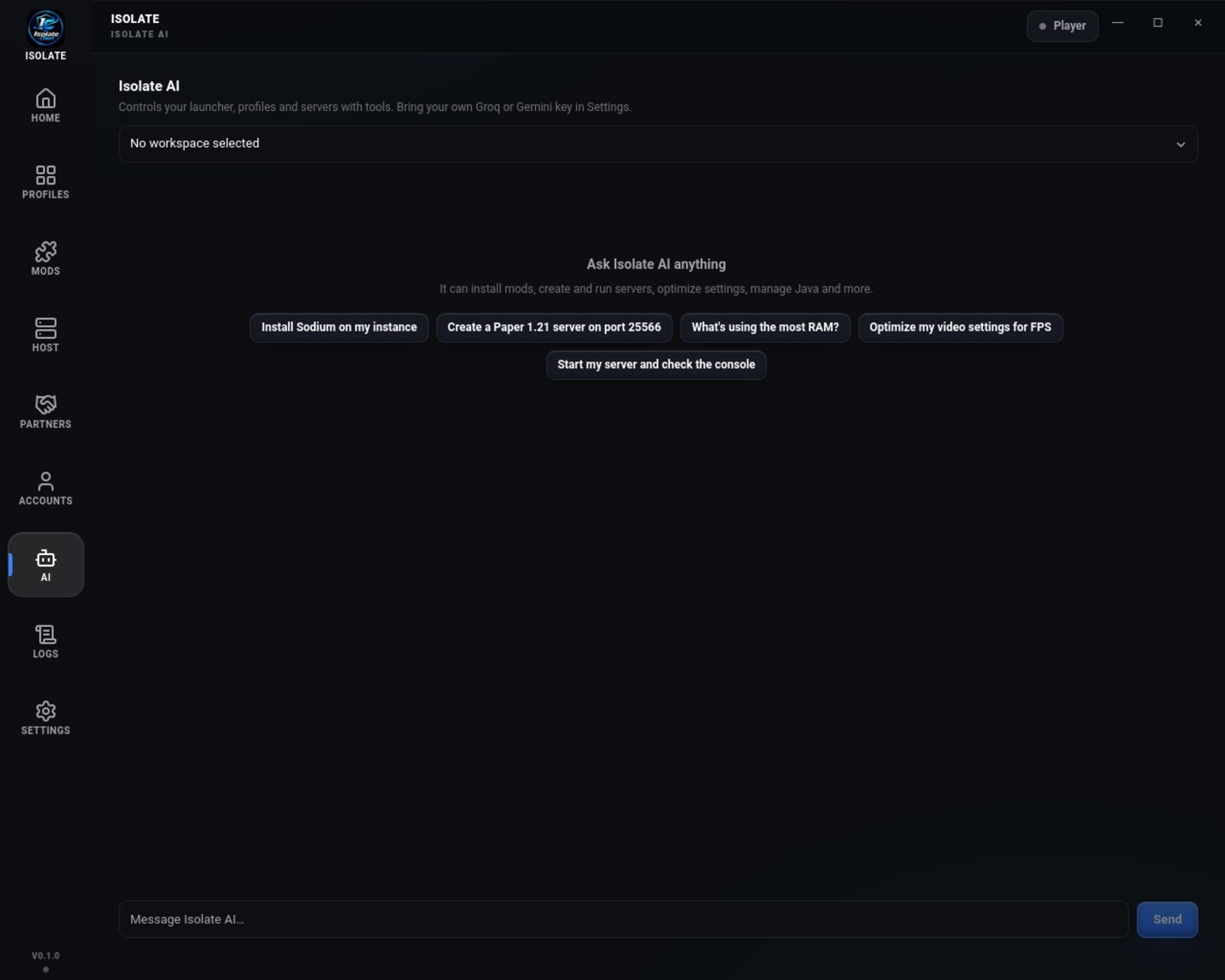
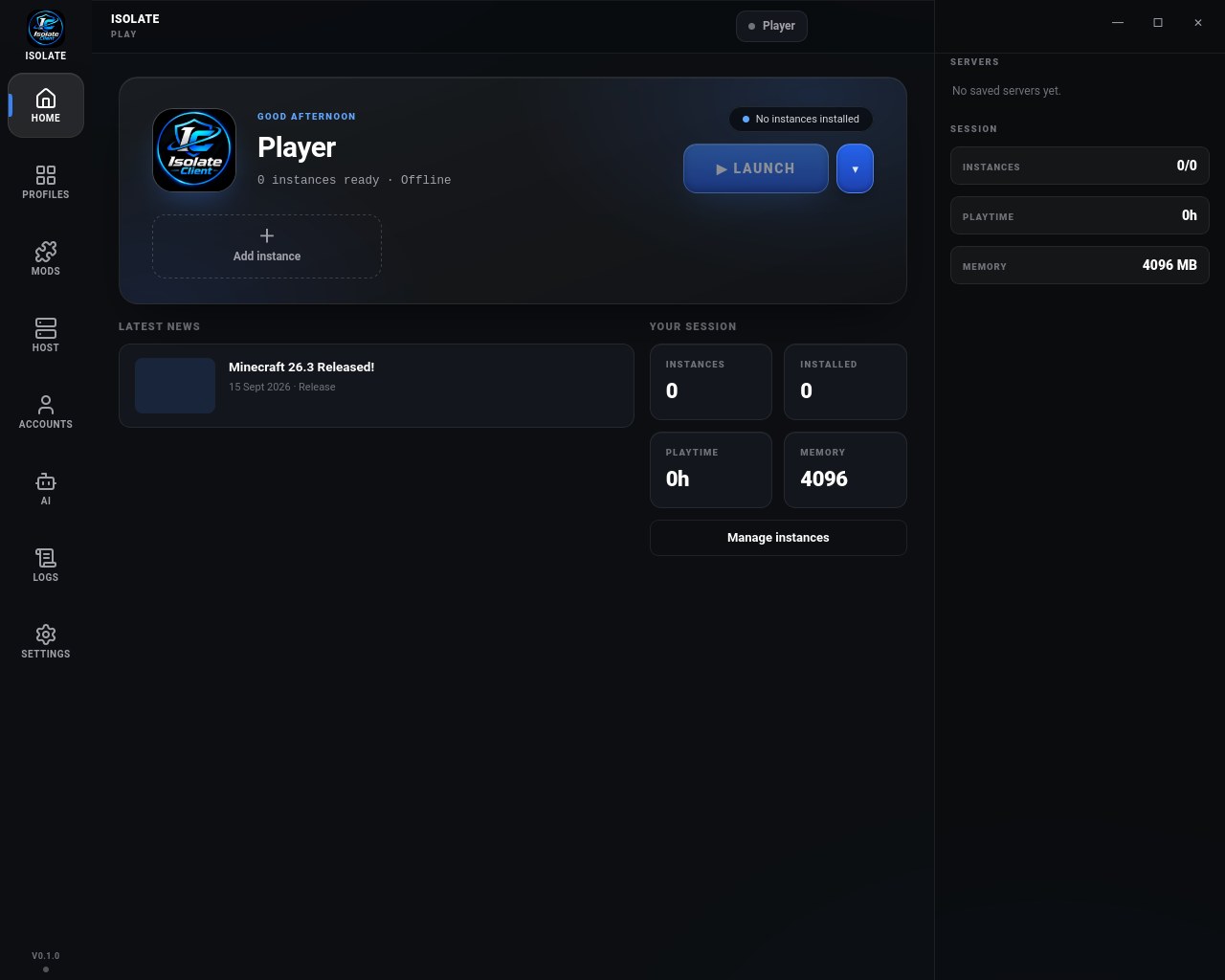

Home & Launch
Your player card, latest news, friends online and the big Launch Game button: everything you need to play, on one screen.
Frequently Asked Questions
Is Isolate Client free to use?
Yes, Isolate Client is completely free to download and use. There are no hidden fees, subscriptions, or premium features locked behind a paywall. All features are available to everyone.
Is Isolate Client safe to use?
Absolutely! Isolate Client is completely safe and trusted by thousands of players worldwide. The launcher is built with security in mind and contains no malware, adware, or unwanted software.
Does Isolate Client work with Minecraft mods?
Yes, Isolate Client has built-in support for Fabric mods with one-click installation. You can easily install performance mods like Sodium, Lithium, and Starlight, as well as quality-of-life mods, shader packs, and more directly from the launcher.
What platforms does Isolate Client support?
Isolate Client is available for Windows (10/11), (Intel and Apple Silicon), and Linux (Ubuntu, Fedora, Arch, and other major distributions). Download the version for your operating system from our website.
How does Isolate Client improve FPS?
Isolate Client includes built-in performance optimization mods and tweaked settings that significantly reduce lag and improve frame rates. Features include optimized rendering, faster chunk loading, reduced memory usage, and pre-configured performance mods that work out of the box.
Which Minecraft versions does Isolate Client support?
Isolate Client supports all Minecraft Java Edition versions.
How is Isolate Client different from other launchers?
Isolate Client combines performance, simplicity, and customization in one modern launcher. Compared to TLauncher or SKLauncher, Isolate Client offers built-in performance mods designed for faster startup and higher FPS, a customizable HUD menu, an integrated mod menu, an in-game account switcher, a friends system, and cosmetics. With a modern UI, easy mod management, quick access to settings, and a lightweight design, Isolate Client makes it easy to personalize your Minecraft experience—all completely free.